Installation
The installation was quick and painless. All of the questions were asked in the beginning and then the installer took over. During the installation messages were displayed regarding the benefits of Ubuntu and the software that it provided. Below are some screenshots of the installation process.
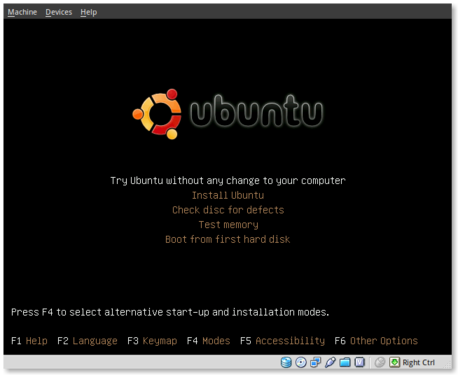
This is the initial installation screen. As you can see it offers a number of options including disk and memory checks, as well as booting off existing installations. I selected “Install Ubuntu” and hit [ENTER].
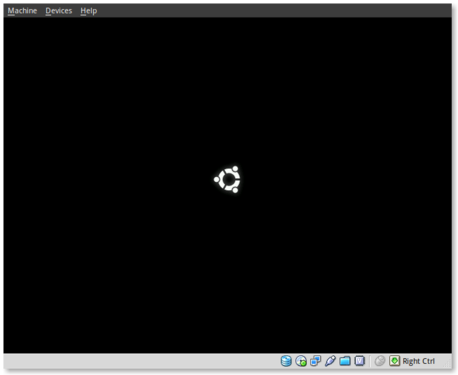
This appears to be the initial boot splash screen while the Live-CD installer is booting.
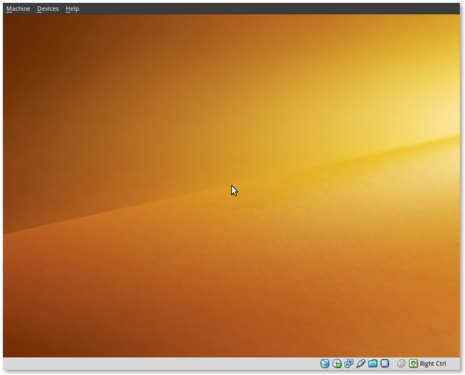
A preview of the new default wallpaper.
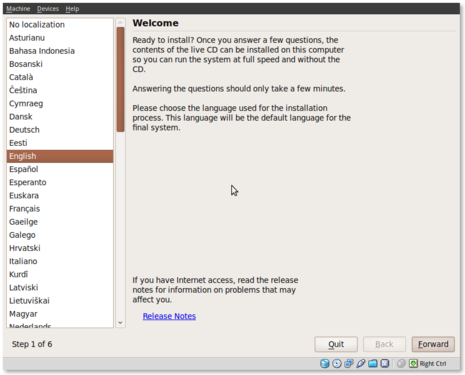
Welcome to the installer! Select your preferred language. This language will be used during and after the installation.
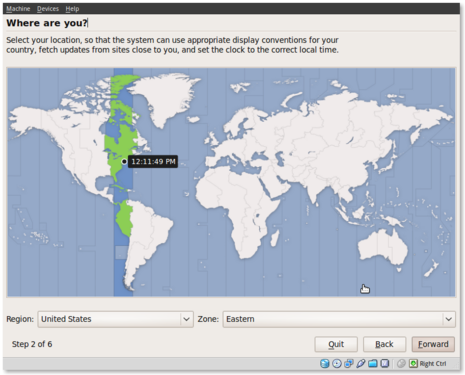
Select your timezone. I very much like this improved location selector tool. Instead of trying to find myself on a map that zooms in and out (you may remember what I’m referring to from previous releases), this simply slices up the world into timezones and allows you to select yours.
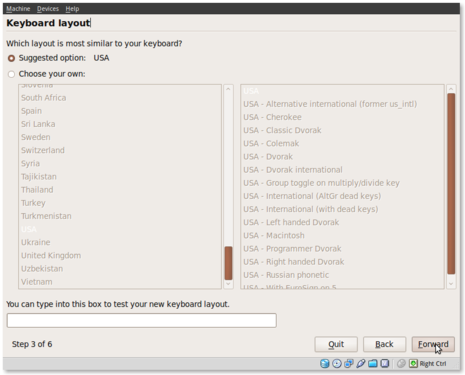
Select your keyboard layout. For US English standard qwerty layouts you can click forward. I needed to select “Choose your own:” and “USA – Dvorak” for my layout.
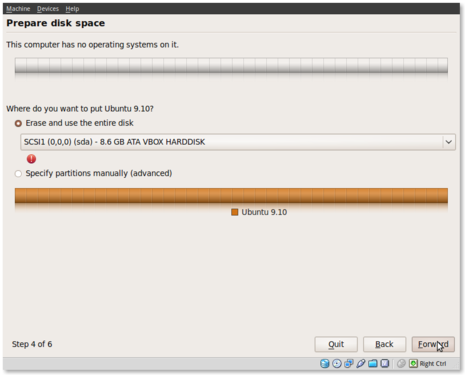
Partitioning was simple. I erased and used the entire disk.
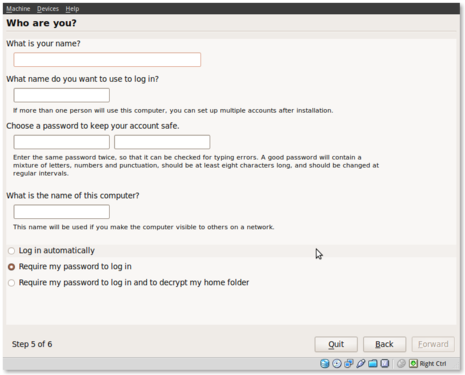
Username information. Enter your full name, username and password information. Remember that this user will also act as the initial administrator.
I also like the addition of the “Require my password to log in and to decrypt my home folder” as well as the other options. I selected the last option and am using the encrypted home folder system.
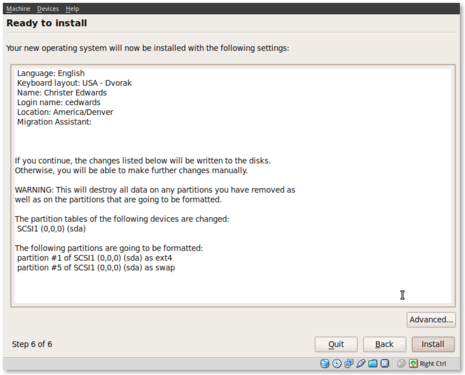
Final review point before installation. From here you can still go back and make changes. Once you click install it should be hands free from here out.
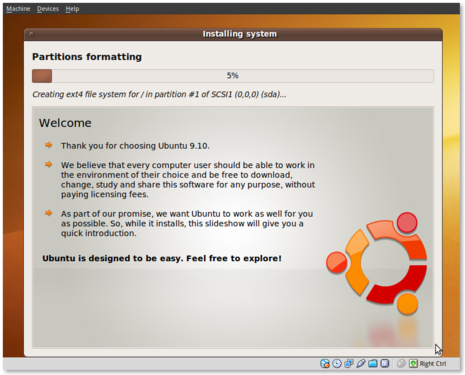
Welcome to Ubuntu 9.10 – “Ubuntu is designed to be easy. Feel free to explore!”
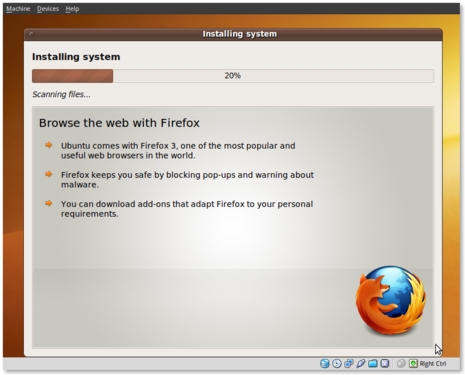
Browse the web with Firefox
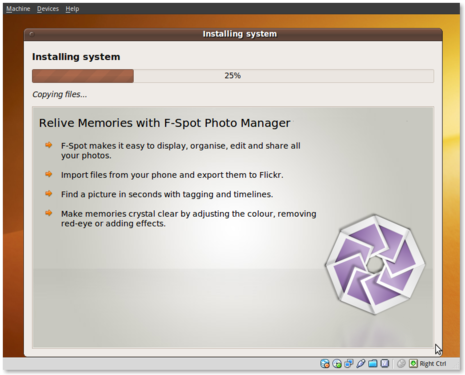
Relive Memories with F-Spot Photo Manager
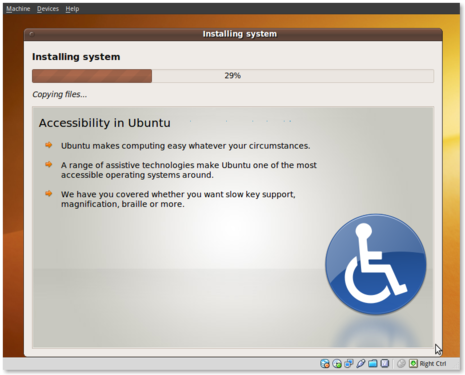
Accessibility in Ubuntu
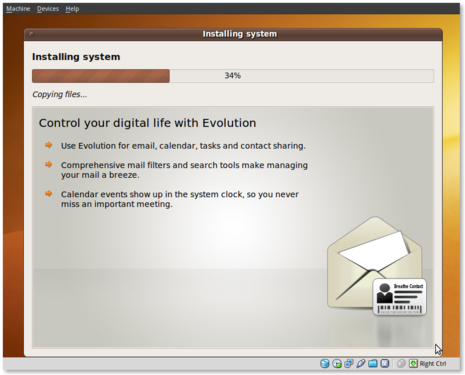
Control your digital life with Evolution
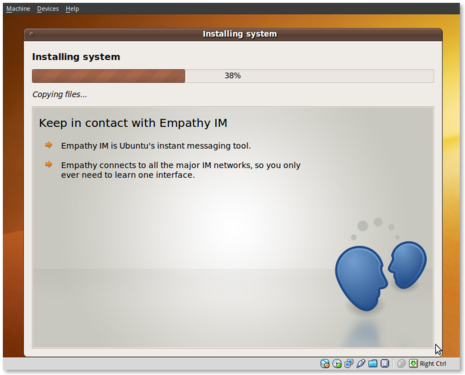
Keep in contact with Empathy IM
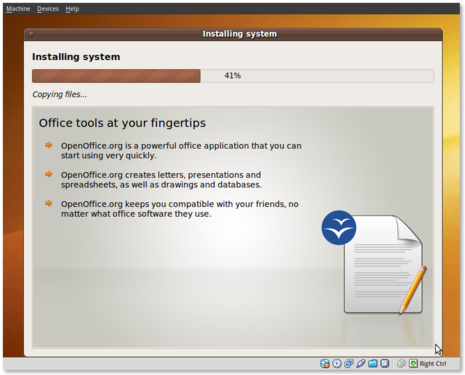
Office tools at your fingertips
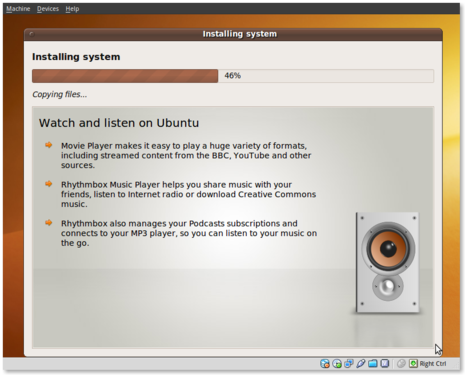
Watch and listen on Ubuntu
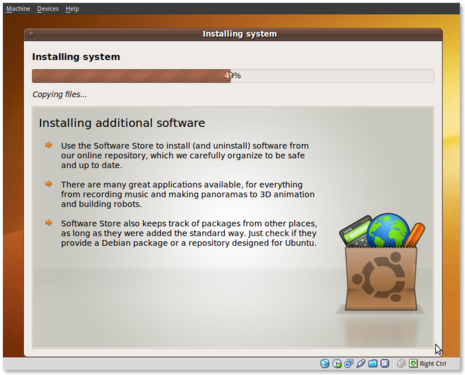
Installing additional software
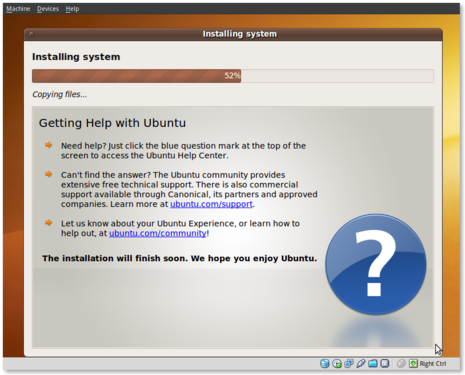
Getting Help with Ubuntu
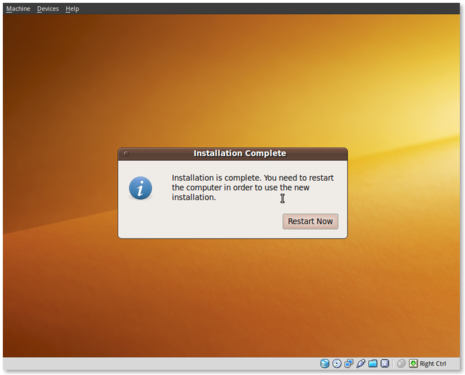
Post Installation
Installation complete. At this point you can restart the machine and your installation should be done.
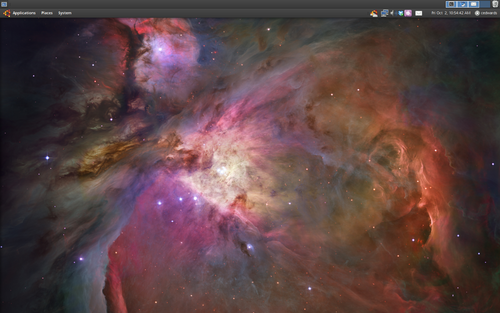
This is a screenshot of my final installation. I have changed the following:
- GNOME panels moved to top. Panel size 23px.
- All fonts set to Droid Sans 8pt.
- 96 DPI, LCD antialiasing
- Shiki Brave Theme
- Selected the space desktop wallpaper(s). These auto-rotate.
- Installed Gnome-Do, Dropbox and Chromium Browser
Conclusion
So far I think this release seems very polished. The graphics and artwork are very clean and professional. I had no trouble getting things installed properly, and I haven’t had any issues post-installation. The notification system appears to be a little more polished as compared to 9.04. We’ll see what my feelings are with continued use.
So far I am pleased with this release and would confidently suggest it to others, even if it is the Beta release.

No comments:
Post a Comment